

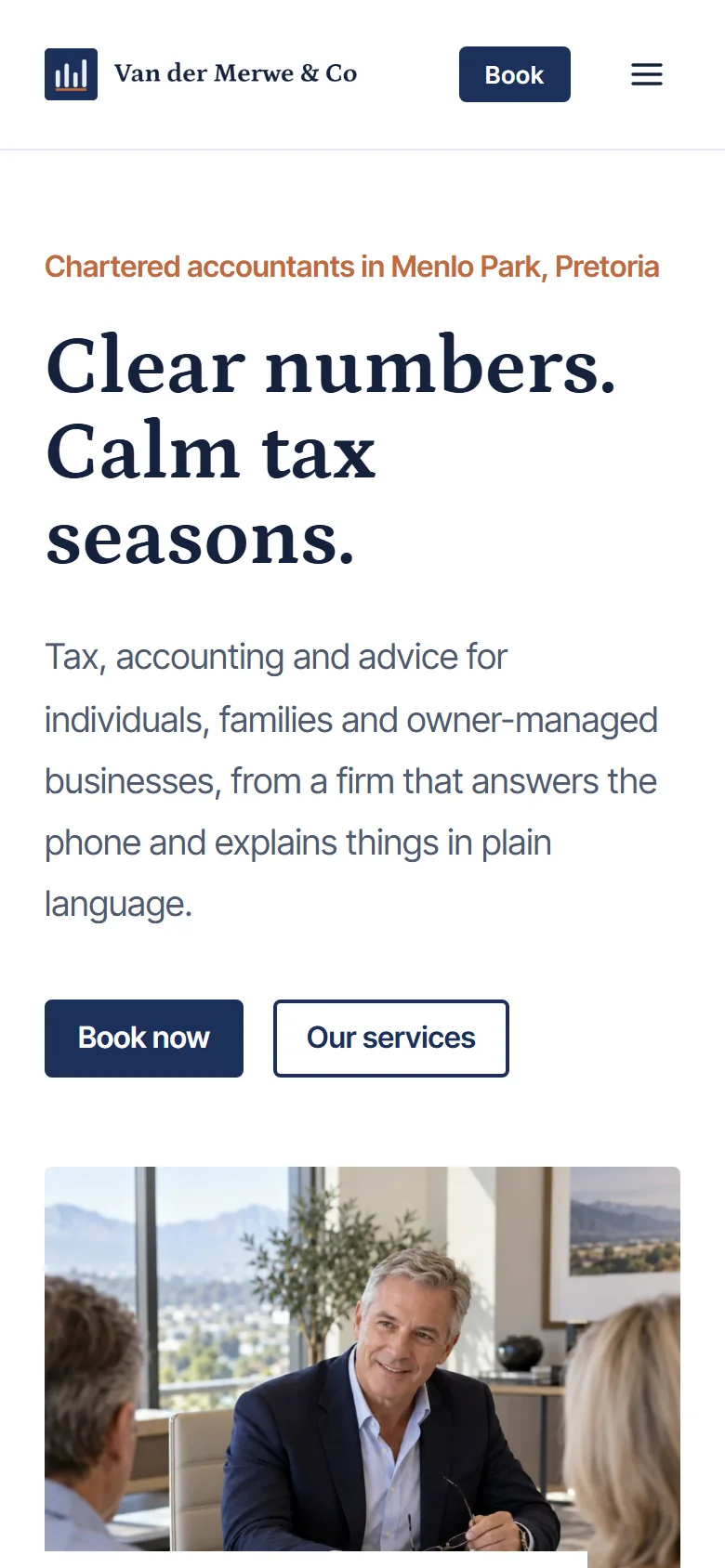
A booking website made for accountants
Clients often approach an accountant when they need clarity about something unfamiliar. This template gives your practice a confident introduction and explains the work you do in plain language. Its navy and pale blue sections make room for your approach, qualifications and services before inviting visitors to book a conversation.
Present services for individuals, businesses and trusts with clear descriptions and fees or enquiry instructions. The appointment calendar helps clients arrange a consultation, while seminars and workshops have their own events section. Your location and contact details remain easy to find when someone needs to ask a question first.
Everything your accounting practice needs
In-person or via Zoom
Offer accounting consultations in person or via Zoom. Once your Zoom account is connected, meeting links are created and sent to clients automatically.
Sessions of any length
A 30-minute introductory consultation and a longer tax-planning meeting can each have their own duration and price. Add buffer time between appointments so your calendar fits the way you work.
Tax seminars and finance workshops
Take bookings for tax seminars, budget briefings and small-business finance workshops. Give each event a date, price, venue and set number of places, and display upcoming events as a list, week or month view.
Advisory session packages
Offer a series of advisory consultations as a session package. Clients can book their appointments and see how many sessions they have left.
Paid your way
Accept payment online, in person, or offer both. Choose the payment options separately for each appointment and event.
Fewer no-shows
Automatic email reminders are included, with WhatsApp Reminders available as an optional extra.
Clients who look after themselves
Clients log in to reschedule, cancel within your cut-off times, and update their own details.
What’s on your accountant website

01
Welcome
An introduction to your accounting practice with your own photography and a clear next step.
02
How you work
Explain your approach and the accounting tasks clients need to plan for through the year.
03
About you
Your story, your accounting qualifications, professional registrations and areas of specialisation, with photographs that introduce the people behind the business.
04
Your services
Descriptions of personal tax returns, business accounting, payroll and trust and estate advice, with the relevant fees, inclusions and booking or enquiry instructions.
05
Book a consultation
Your live booking calendar for the appointments you offer. Visitors choose the appointment type and an available time.
06
Tax seminars and finance workshops
Upcoming dates and bookable places for tax seminars, budget briefings and small-business finance workshops.
07
Contact
Your contact details and enquiry route, with location or visiting information where relevant.
08
Your latest posts, updated automatically when your Instagram account is connected.
Who this template suits
This template is designed for accountants offering personal tax returns, business accounting, payroll, trust and estate advice, with a personal introduction and a clear route to booking or enquiring.
What you’ll need
- Your logo (or just your business name, and we’ll style it for you)
- A portrait of yourself and photographs that introduce your work or teaching space
- A short introduction, including your accounting qualifications, professional registrations and areas of specialisation
- Your services, with descriptions, appointment lengths and prices or enquiry instructions
- Any upcoming tax seminars, budget briefings and small-business finance workshops (optional)
Your content form explains exactly what size and type of images work best.
Questions from accountants
Can clients book my Zoom sessions online?
Yes. Create online appointment types for the sessions you deliver via Zoom. Connect your Zoom account and meeting links are created and sent automatically. Give each appointment its own description, duration and price.
Can I take bookings for tax seminars, budget briefings and small-business finance workshops?
Yes. Use events for scheduled dates with a set number of places. Add the price and venue for each event, and let visitors choose a date and book their place online.
Can I show fixed fees and services that need a quote?
Yes. Use the service descriptions to explain your fixed fees, starting prices and quoted work. Give visitors a consultation booking or enquiry route for work that needs a scope discussion before you agree the fee.